Thermal hot-spot monitoring

Know before it breaks.

See the heat before it becomes a fire — or a failure.

uptika connects thermal cameras over waste bunkers, conveyor belts, stockpiles, battery rooms and switch cabinets. Every hot spot is measured, trended and alarmed — live in your browser, on a phone or on the control-room wall.

  • SMS, e-mail, push & relay
  • Limits & rate-of-rise
  • Every event logged with snapshots
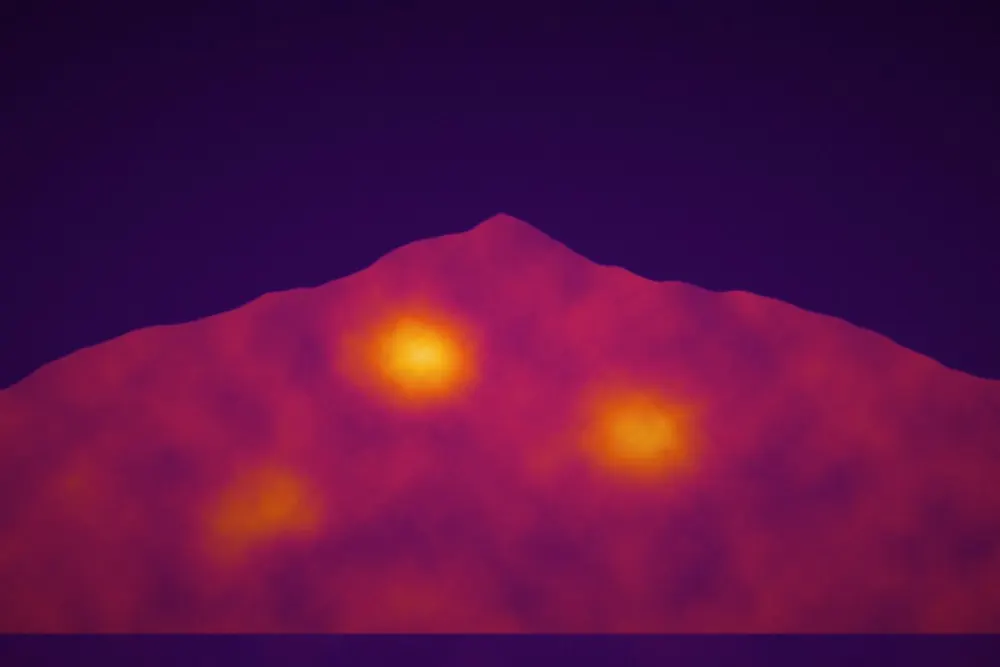
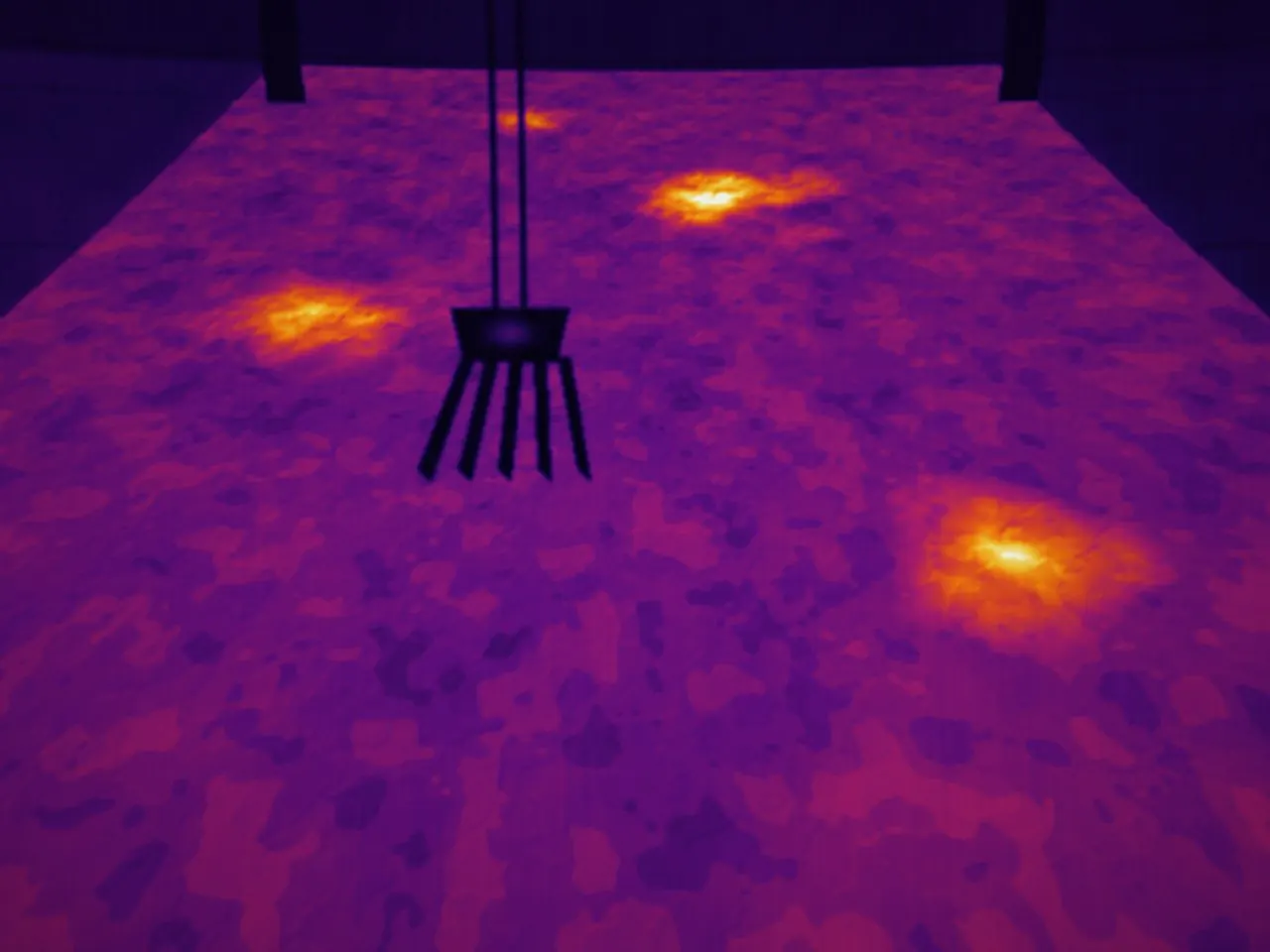
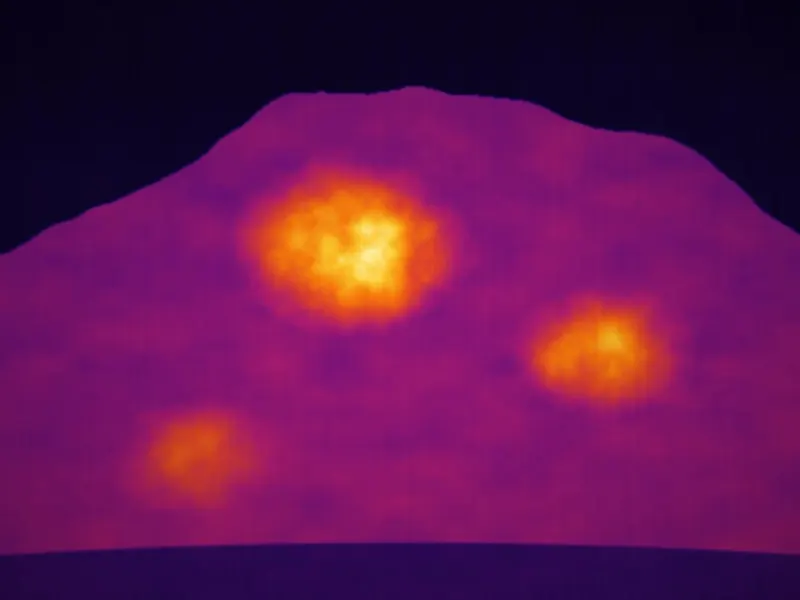
Thermal camera view over a waste bunker with three hot spots IR-CAM 01 · Waste bunker LIVE 09:42:07 B1 · 78.4 °C ▲ B2 · 64.1 °C B6 · 66.2 °C
10 °C90 °C
Critical · Section B1 at 78 °C09:42

Rising 6 °C/min. Shift lead and crane operator notified.

How it works

From camera to alarm in three steps

No new control system, no rip-and-replace. uptika adds an early-warning layer in front of your existing fire protection.

  1. 01

    Thermal cameras on site

    Fixed radiometric cameras overlook bunkers, belts, piles or racks. You draw measuring regions over each view.

  2. 02

    Secure platform

    Every region is evaluated continuously: hotspot, coldspot and average, compared with your limits and rate-of-rise rules.

  3. 03

    Dashboard & alarms

    Live views and trends in the browser. Alarms go out by SMS, e-mail or push, and can switch a relay for sprinklers or a fire monitor.

Early-warning logic

Limits per region — you set them, we help you tune them.
  1. Normal

    All indicators inside limits

    Logged every second
  2. Watch

    Rise > 2 °C/min or ΔT > 15 K

    Highlighted on the dashboard
  3. Pre-alarm

    > 60 °C for 60 s or ΔT > 20 K

    Push to the control room
  4. Alarm

    > 70 °C, or rise > 5 °C/min

    SMS + call · relay output
  5. Resolved

    Back inside limits for 15 min

    Acknowledged · report filed
The dashboard

Every camera, every region, one screen

Live thermal views side by side, hotspot and coldspot per region, temperature trends and the alarm log — in any browser.

Use cases

Where hot spots start

Self-heating material, hidden batteries and loose connections give a thermal warning long before smoke or flames.

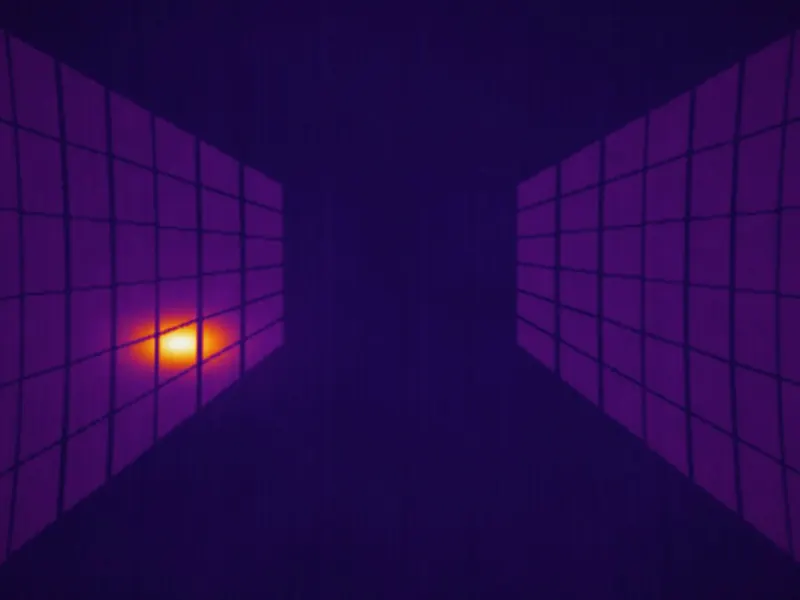
Overhead thermal view of a waste bunker with two hot sections Bunker · overhead B1 · 78 °C B3 · 71 °C
10 °C90 °C
Waste-to-energy plants

Waste bunkers

Deep bunkers of mixed refuse can smoulder for hours before smoke is visible. Cameras above the bunker scan the whole surface and pinpoint the section that is heating up.

  • Full-surface scan split into bunker sections
  • Location handed to the crane operator or fire monitor
  • Alarm on absolute temperature and on rate of rise
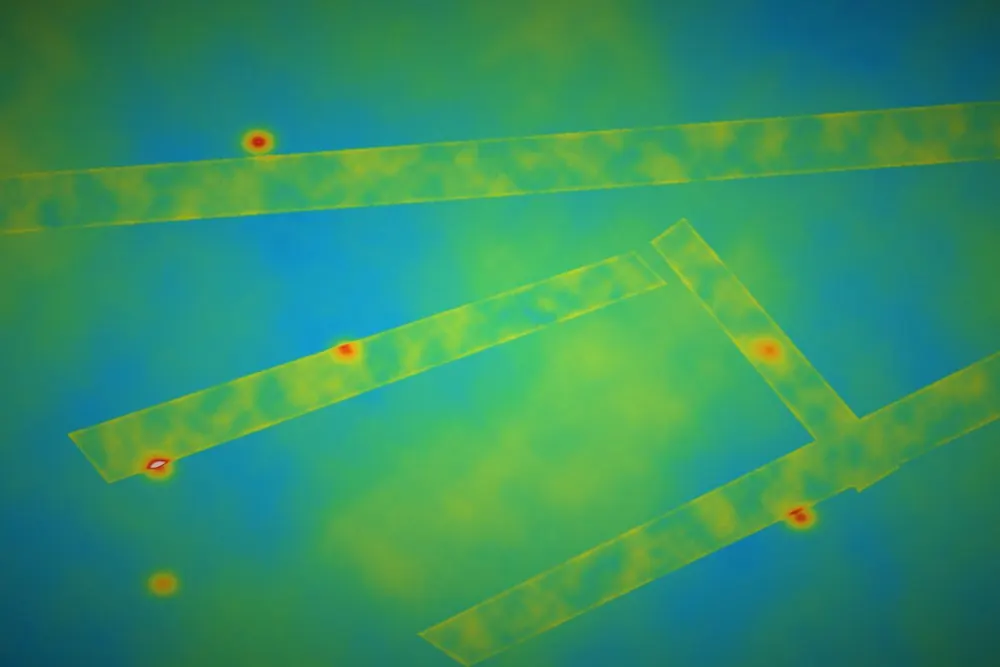
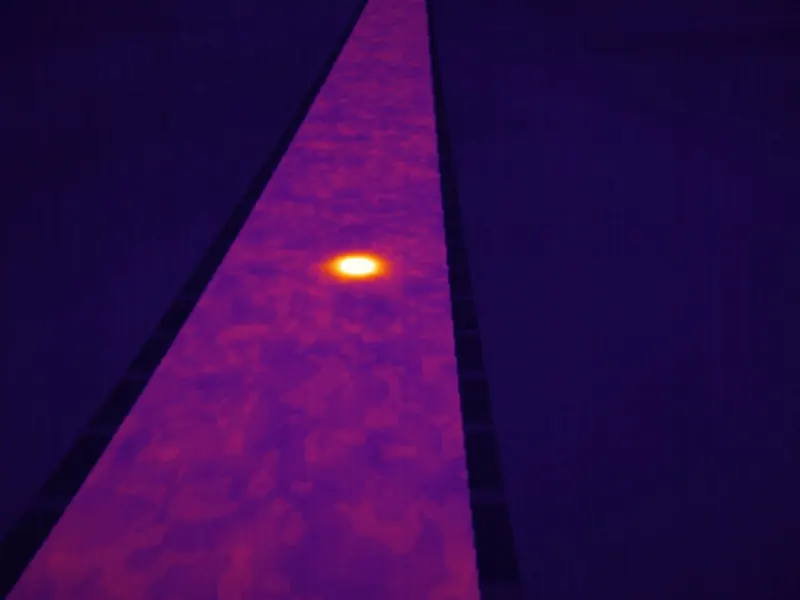
Thermal view of a sorting hall with conveyor belts and a hot battery Sorting hall · cam 02 Belt 1 · 56.1 °C Shredder · 43.8 °C Batteries · 48.5 °C Belt 3 · 52.4 °C
20 °C60 °C
Recycling plants

Recycling & sorting lines

Lithium batteries hidden in waste are a leading cause of fires in sorting plants. Every conveyor, shredder and storage box becomes its own measuring region.

  • One region per belt, shredder and bunker
  • Catch a hot item while it is still on the belt
  • Stop the line or trigger extinguishing automatically
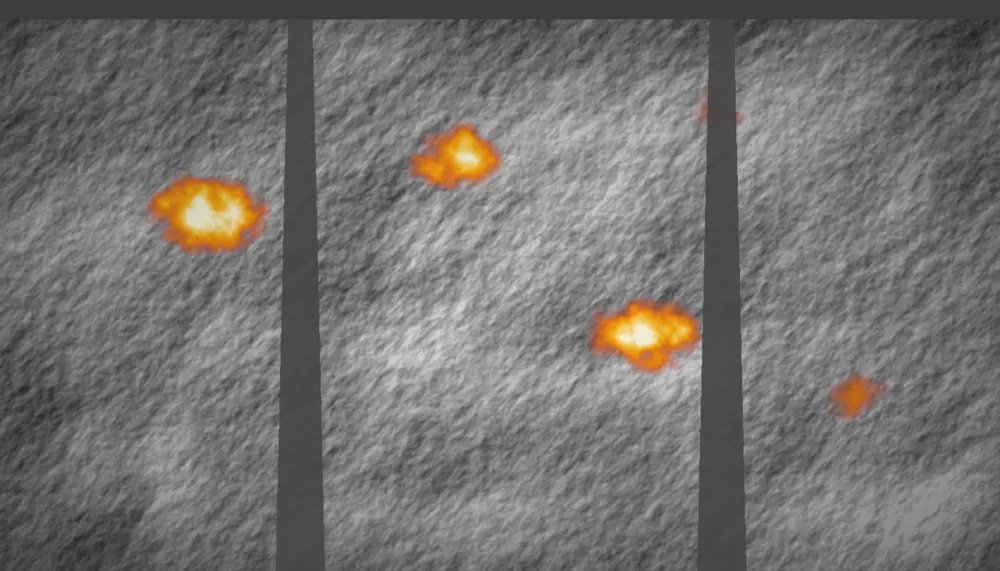
Thermal view of a wood-chip pile with two self-heating zones Yard · pile north Zone A · 74 °C Zone B · 61 °C
0 °C80 °C
Biomass plants, sawmills, compost sites

Biomass & wood-chip piles

Organic material heats itself as it decomposes. Watching the surface temperature trend of each zone shows which part of the pile to turn or use first.

  • Zone-by-zone temperature trends over days
  • Early warning of self-heating
  • History to plan stock rotation
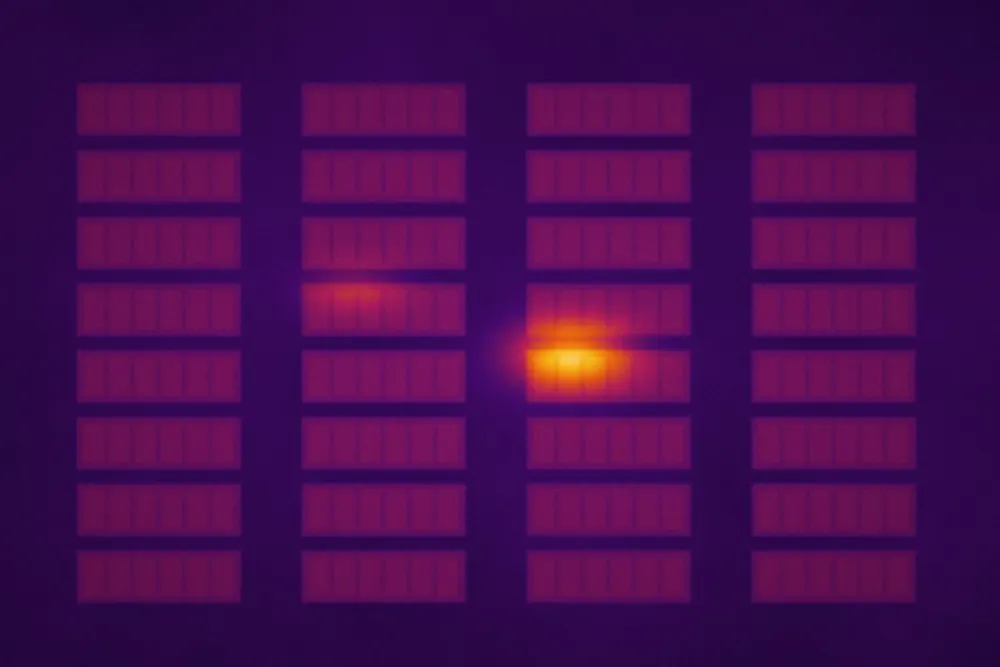
Thermal view of battery racks with one module running warmer than the rest BESS room · cam 01 Module 3-5 · 67 °C Module 2-4 · 39 °C
15 °C70 °C
Energy storage, e-fleet depots, forklift charging

Battery storage & charging rooms

A single module running warmer than its neighbours is a warning sign. Comparing every rack against the others makes that outlier stand out immediately.

  • Each rack or module as a measuring region
  • Outlier alarm compared with neighbouring modules
  • Round-the-clock alerting to the on-call team
  • Electrical cabinets & substationsLoose or overloaded connections heat up long before they fail.
  • Motors, bearings & rollersFriction heat shows wear — plan the repair at the next stop.
  • Coal & bulk stockpilesSelf-heating in coal, fertilizer or grain stores.
  • Silos & bunkersHot spots in stored bulk material.
  • Scrap & metal yardsMixed scrap with batteries and residues.
  • Kilns, dryers & process linesShell and surface temperatures watched around the clock.
Across industries

Where hazards typically occur

Fires rarely start at random. These are the spots our cameras are pointed at — the dashed cones show typical camera coverage.

Tipping hallWaste bunkerBoiler 1234

Waste-to-energy plant

  1. Bunker surface — smouldering pockets deep in the refuse
  2. Feed hopper — hot material carried towards the boiler
  3. Tipping hall — hot loads arriving from trucks
  4. Crane grab — embers lifted and dropped elsewhere
Shredder Bales Input heap 1234

Recycling & sorting plant

  1. Input heap — lithium batteries hidden in mixed waste
  2. Shredder — damaged cells igniting under impact
  3. Belt transfer points — friction, jams and hot items passing
  4. Bale storage — slow self-heating in stored bales
Battery storage Charging & inverter 1234

Battery storage & charging

  1. Rack modules — one cell running warmer than the rest
  2. Charging posts — overheated plugs and cables
  3. Vehicles on charge — battery packs heating while charging
  4. Inverter cabinet — loose or overloaded connections
Detect → respond → resolve

What happens when a hot spot appears

Normal Detected Response All clear

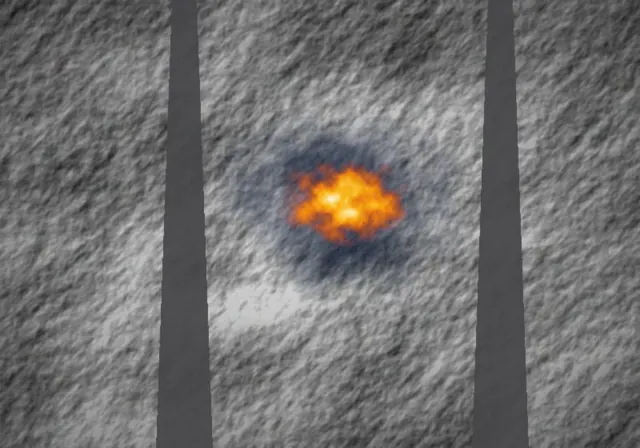
Smouldering pocket in a waste bunker

IR-CAM 01 · bunker section B2
  1. Bunker section, all cool1 · Normalmax 41 °C

    All sections within limits. The dashboard shows blue, trends are flat.

  2. A smouldering pocket appears in section B22 · Detectedmax 78 °C ▲

    A pocket passes 70 °C and climbs 6 °C/min. Alarm fires; the section is highlighted.

  3. The pocket is cooling after water is applied3 · Responsemax 63 °C ▼

    SMS to the shift lead, relay opens the fire monitor on B2. Water cools the area.

  4. Section back to normal temperature4 · All clearmax 39 °C

    Back below limit for 15 min. Alarm is acknowledged and logged with the full trend.

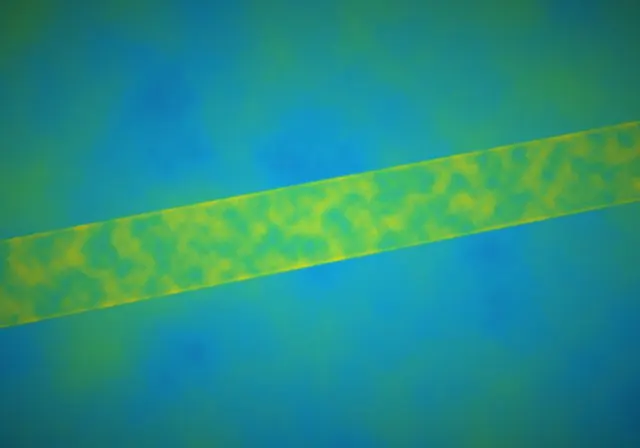
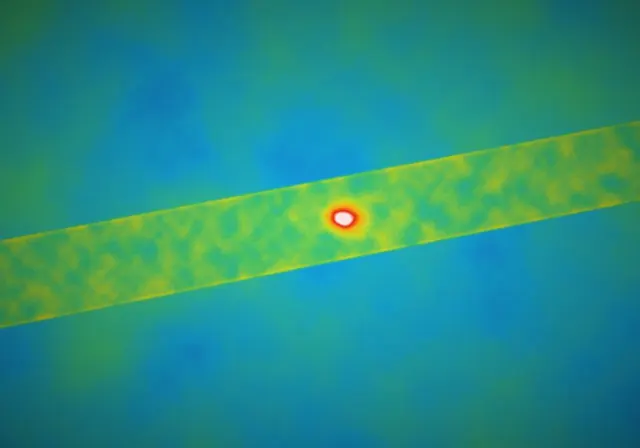
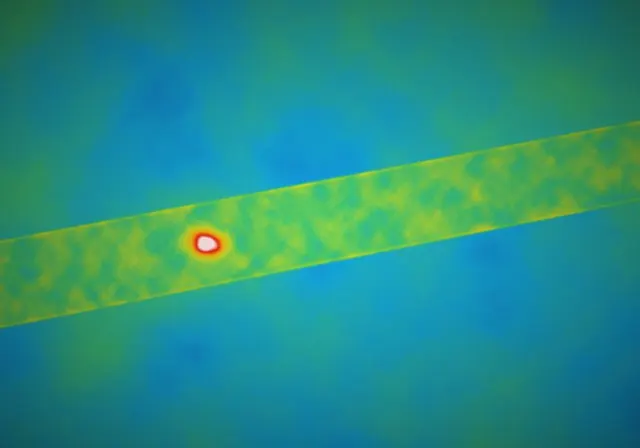
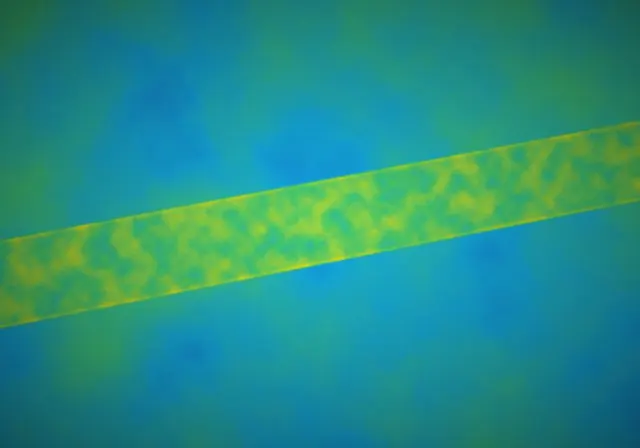
Hot battery on a sorting belt

IR-CAM 02 · belt FT4
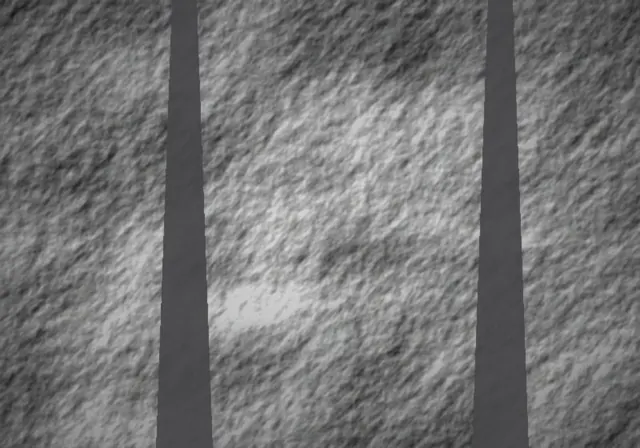
  1. Conveyor belt with normal material flow1 · Normalmax 36 °C

    Normal material flow, belt region evaluated several times per second.

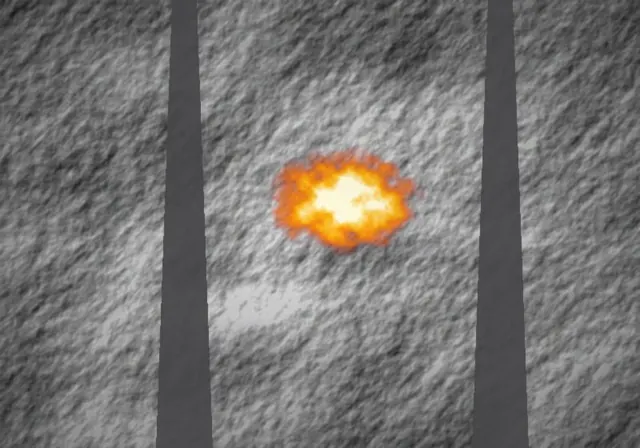
  2. A hot item on the conveyor belt2 · Detectedmax 92 °C

    A single item far hotter than the material around it enters the belt region.

  3. Belt stopped with the hot item in view3 · Responsemax 88 °C

    Belt stopped automatically, horn and light at the belt, operator alerted on the phone.

  4. Belt running again with no hot items4 · All clearmax 35 °C

    Item removed and quenched. Belt restarted, the event is stored with snapshots.

Mobile app

The alarm finds the right person

Whoever is on call gets the hot spot, the live image and one-tap actions — wherever they are on site.

  • Push, SMS and callCritical alarms break through. Each one carries the region, the temperature and the trend.
  • Escalation that never sleepsNot acknowledged in time? The next person on the list is alerted automatically.
  • Acknowledge, act, documentOne tap to acknowledge, call the team or create a work order. Everything lands in the event log.
FAQ

Good questions, straight answers

Something missing? Ask us directly — we answer every request personally.

Does uptika replace our certified fire detection?

No. uptika adds an early warning in front of it. Thermal cameras see a surface heating up minutes to hours before smoke or flame detectors react, so your team can act while it is still small.

Which cameras do we need?

Fixed radiometric thermal cameras that measure a temperature for every pixel. Based on your areas, distances and environment we propose the camera models and mounting positions with your offer.

How are alarms delivered?

By push notification, SMS, e-mail and phone call, with an escalation chain if nobody acknowledges. A relay output can also switch a horn, a beacon, a sprinkler or a fire monitor, or stop a conveyor.

What exactly triggers an alarm?

Each measuring region has its own rules: absolute temperature limits, rate of rise, temperature difference to its surroundings and the size of the hot area. Pre-alarm and alarm levels keep false alarms down.

Can we look back at what happened?

Yes. Every event is stored with its trend and snapshots, including who acknowledged it and when — useful for shift handovers, audits and your insurer.

Who is behind uptika

Built by iThermAI

uptika is developed by iThermAI B.V., a Belgian AI company specialised in camera-based fire, smoke and hot-spot detection, running at the edge on industrial cameras.

Technology partner of Hikvision · Dahua · i-PRO · IBM · NVIDIA

Request an offer

Tell us what you want to watch

Bunkers, belts, piles, battery rooms or cabinets — tell us how many areas and we propose cameras and a dashboard setup.

Or reach us directly: [email protected]
What do you want to watch? (optional)
We reply within one working day.
Thank you — request received.

We'll get back to you with a first proposal shortly.